
AI Character Image Generation: Turn Ideas Into Visuals
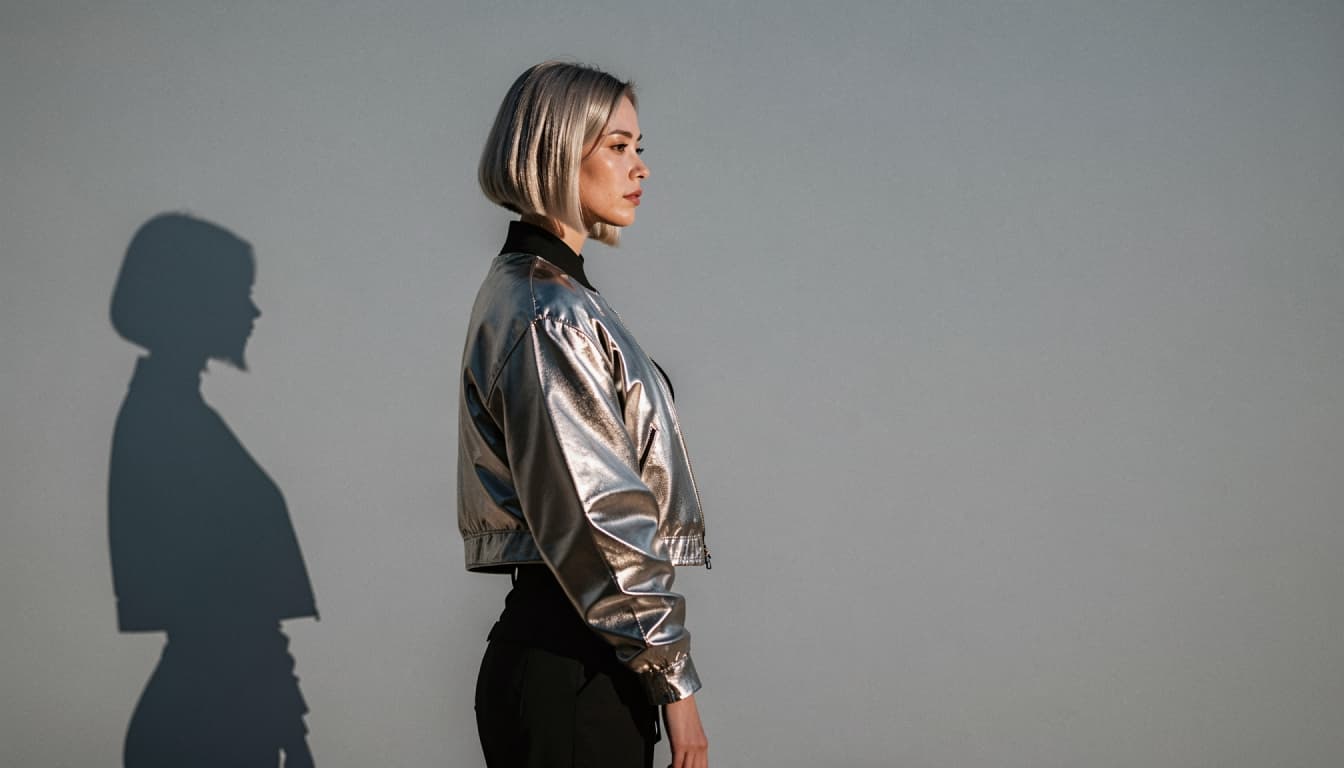
Explore AI Image GenerationSometimes a character begins with a sentence. Other times, the first idea is visual: the color of a jacket, a particular expression, a memorable setting or a dramatic kind of light. AI character image generation gives those ideas a way to become pictures you can explore and refine.
Bonbon combines character experiences with visual generation tools. You can take inspiration from a fictional character, choose a visual direction and work toward an image that reflects your creative brief. Whether you prefer an anime-inspired illustration or a more realistic portrait, the key is to describe what matters instead of leaving every detail to chance.
What Is AI Character Image Generation?
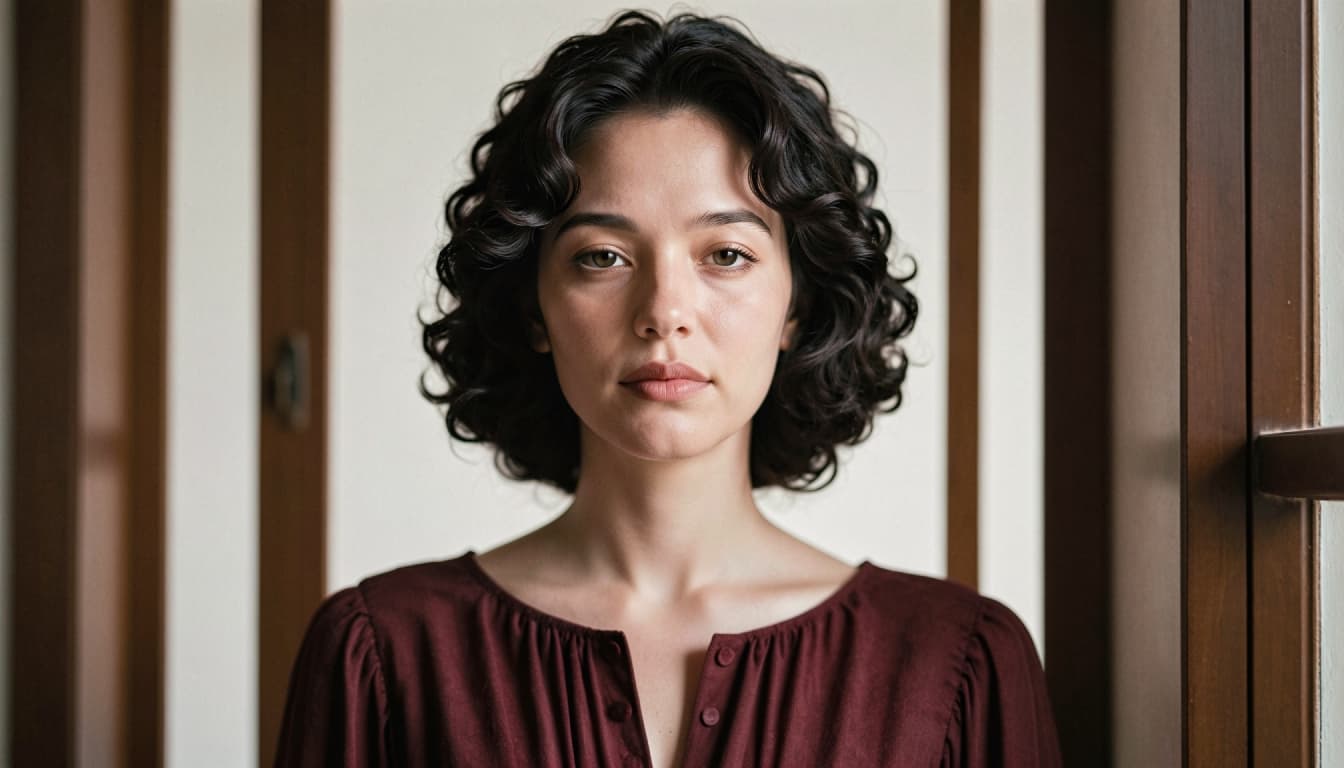
An AI character image generator creates visual output from a prompt or supported character reference. The prompt can describe the subject, outfit, lighting, environment and artistic style. The system interprets those details to produce an image, which you can then evaluate against your original idea.
AI-generated results can vary. Small changes in wording may produce noticeable differences in composition or expression. That uncertainty is part of the creative process; a good prompt helps guide the result but does not control every pixel.
If you also want to define who the character is beyond appearance, see AI character customization.
Build a Clear Image Prompt
Start with five simple elements: subject, visual style, outfit, setting and lighting. A short, structured description is often easier to refine than a collection of unrelated keywords.
For example:
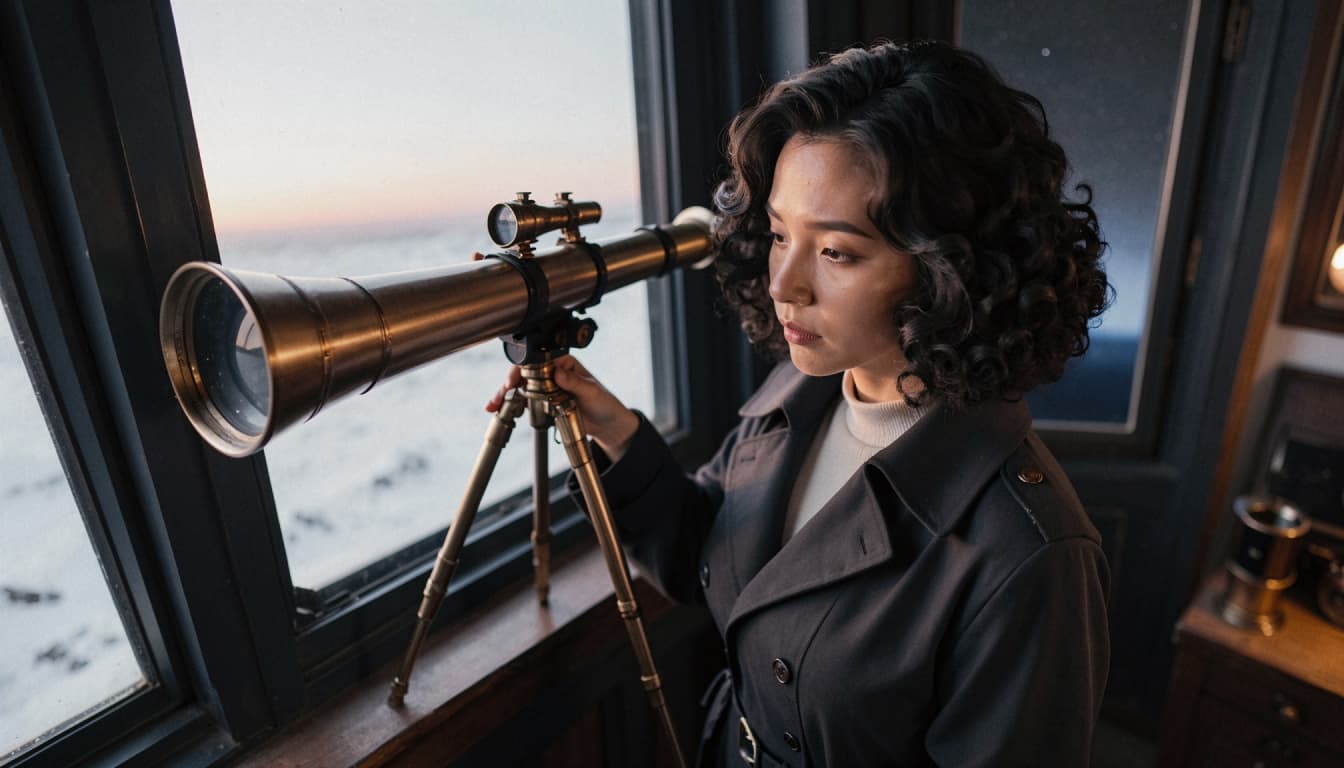
"Portrait of an adult fictional astronomer with dark curly hair, a navy coat and a thoughtful expression, standing in an observatory at twilight. Soft cinematic lighting, clean composition, realistic illustration."
That prompt leaves creative flexibility while identifying the details that matter. It is more useful than "beautiful character portrait" because it gives the system a specific visual direction.
When a result does not match your intention, edit one part at a time. Change the lighting before you rewrite the entire setting, or refine the outfit without altering the subject.
Explore Anime and Realistic Character Styles
Anime-inspired visuals can emphasize expressive features, simplified forms and colorful scene design. They work well for character concepts with distinctive silhouettes and stylized environments. If you are exploring this direction, see anime AI image prompts for starting ideas.
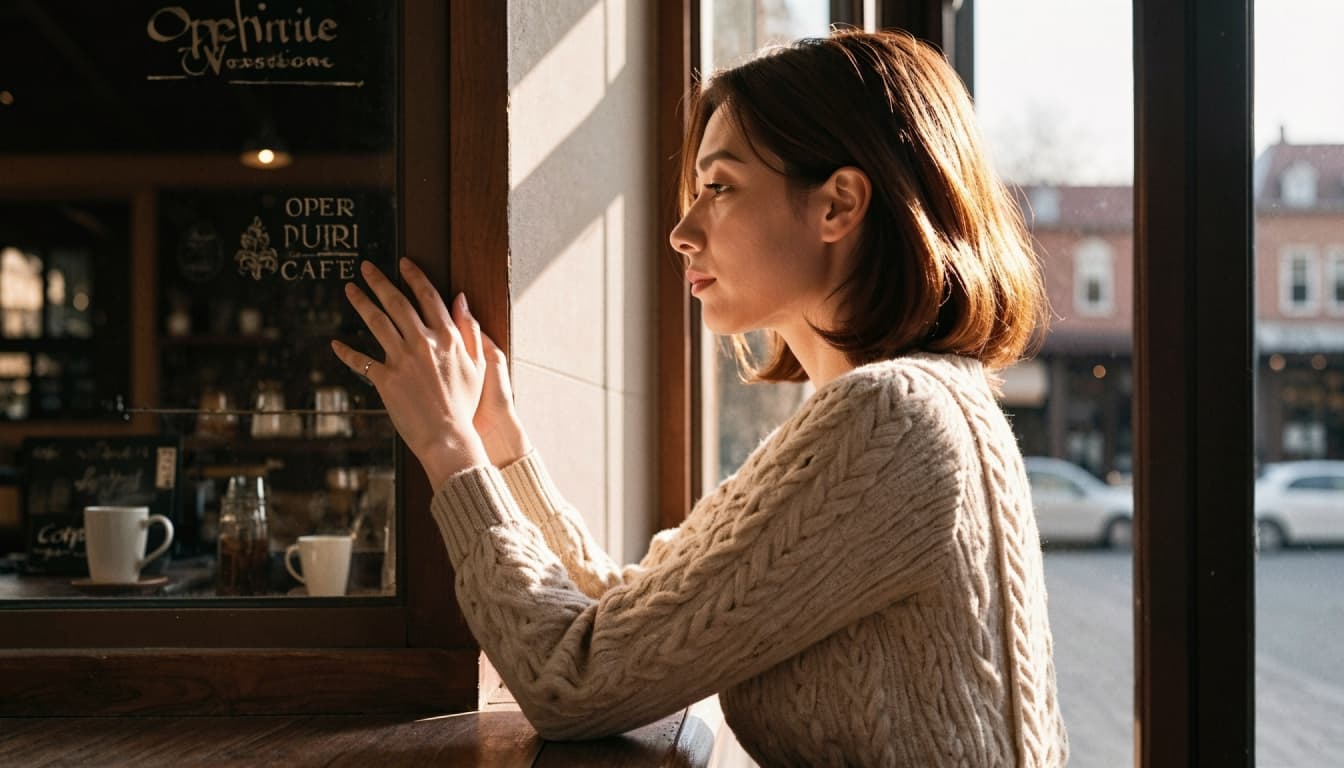
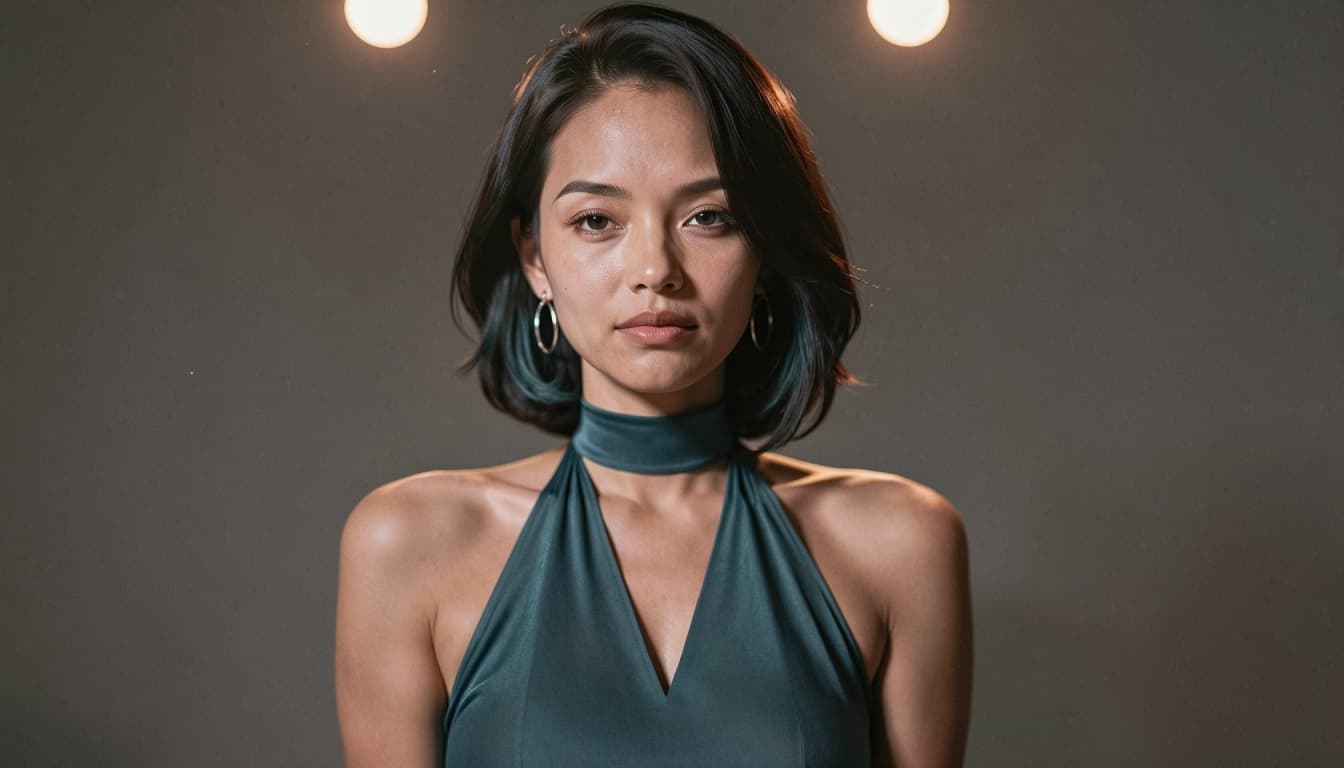
A realistic direction focuses more on believable lighting, fabric, proportions and photographic composition. Try describing the camera distance, environment and quality of light rather than stacking many vague terms such as "ultra-real" and "perfect." The realistic AI image prompts collection provides examples of that approach.
These styles serve different creative goals. You can choose the one that fits the story, character profile or visual mood you have in mind.
Create a More Recognizable Original Character
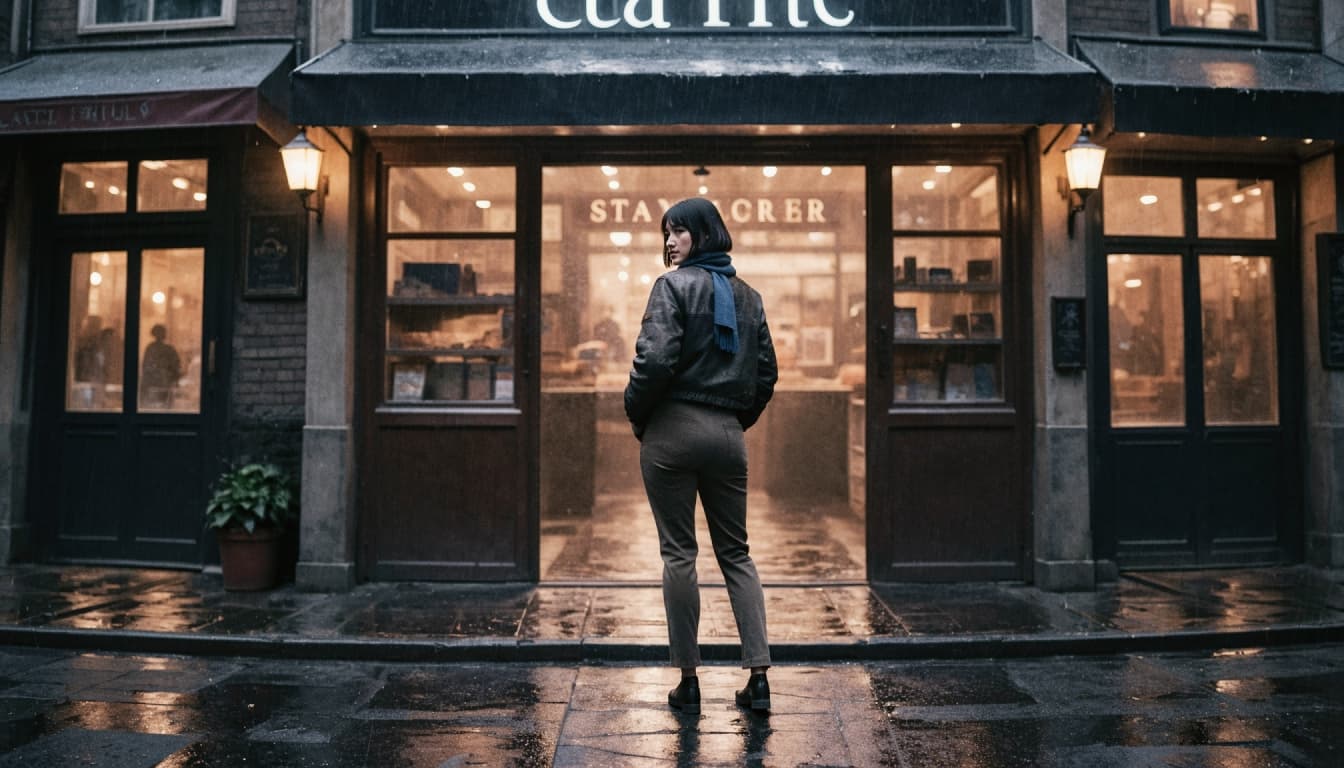
A memorable character is not defined only by visual quality. It helps to decide which traits should remain recognizable across different images. Perhaps your character always wears a blue scarf, has a distinctive haircut or appears in warm evening light. Keeping a small visual signature can make different compositions feel related.
Avoid making too many identity changes in one prompt. If the character looks unlike your initial concept, return to the defining attributes first. Once the appearance feels established, experiment with backgrounds, poses and scene ideas.
Original fictional designs are preferable to impersonating real individuals. When using uploaded or reference material, make sure you have the right to use it, especially for sensitive or intimate imagery.
How to Generate AI Character Images on Bonbon
The exact controls can change, but a practical creative workflow looks like this:
1. Open the available image-generation experience in Bonbon.
2. Choose or describe a fictional adult character and the scene you want to visualize.
3. Select the style and other settings currently shown in the editor.
4. Write a clear prompt covering appearance, composition and lighting.
5. Generate a result, review the details and adjust your prompt for another attempt if needed.
For a more detailed explanation of the workflow, read how to generate AI character images. Check the interface for current access requirements and any generation costs before making a purchase decision.
From a Portrait to a Creative Collection
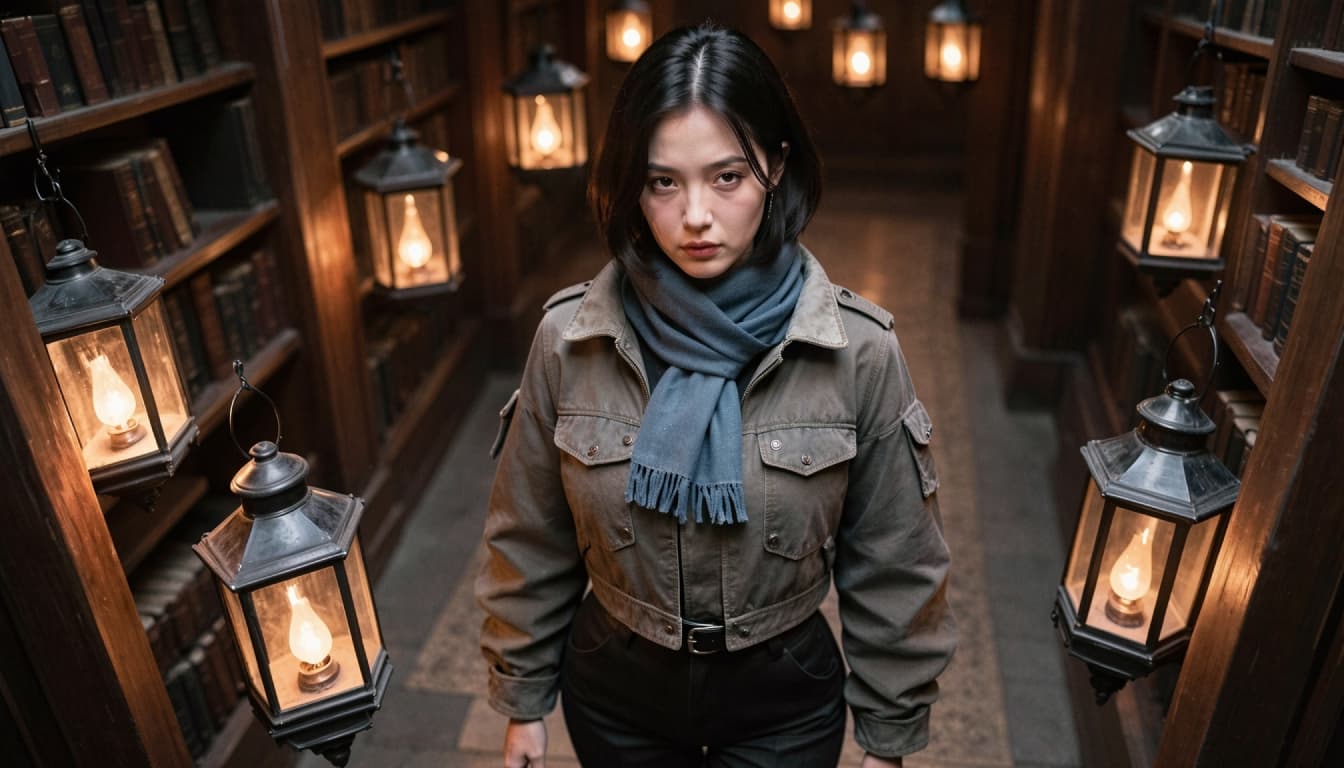
A single portrait can grow into a small visual project. Try a consistent character in different non-graphic settings: a sunlit café, a rainy street, a science-fiction control room or a quiet fantasy library. Change the situation while preserving the recognizable character details.
You can also explore AI video generation features if you want to develop a still visual into a short moving concept. Image generation and video generation solve related but different creative problems, so choose the tool that matches your goal.
Better Prompts, More Focused Results
A successful image is not necessarily the one with the most effects. It is the one that communicates your character idea clearly. Start with a purpose, describe the important details, and leave room for experimentation. Treat unexpected results as feedback about the prompt rather than as a reason to add even more adjectives.
Create an AI Character Image on Bonbon