
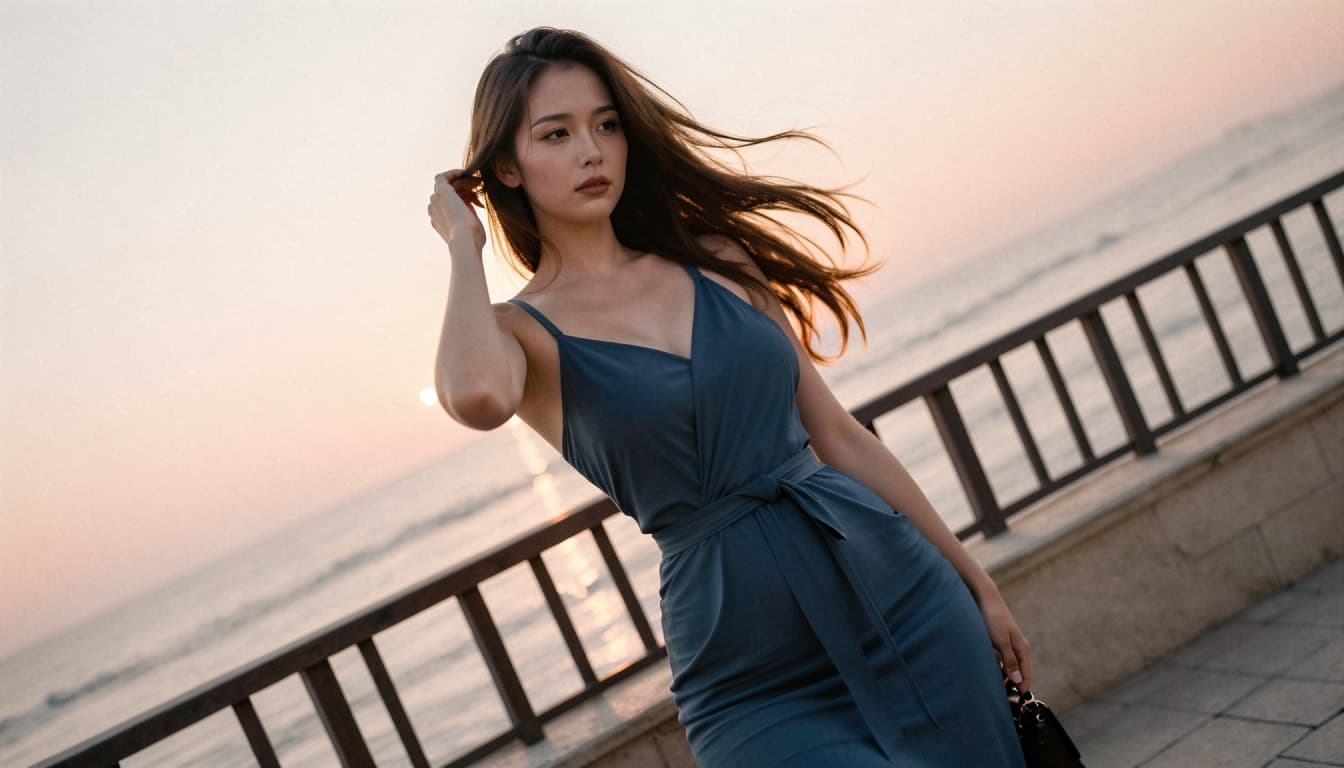
AI Character Video Generation: Bring a Scene Into Motion
Explore AI Video GenerationAn image can establish a character's identity in one glance. A short video adds another dimension: a shift in expression, a slight change of perspective or a moment of movement that makes a fictional scene feel more dynamic. AI character video generation lets you explore that transition from a still visual concept to an animated moment.
Bonbon connects character-based experiences with image and video creation. If you already have a character or a visual idea, the video workflow offers a way to develop it beyond a static portrait. The strongest results often begin with a clear image and a simple goal, rather than a complicated sequence of actions.
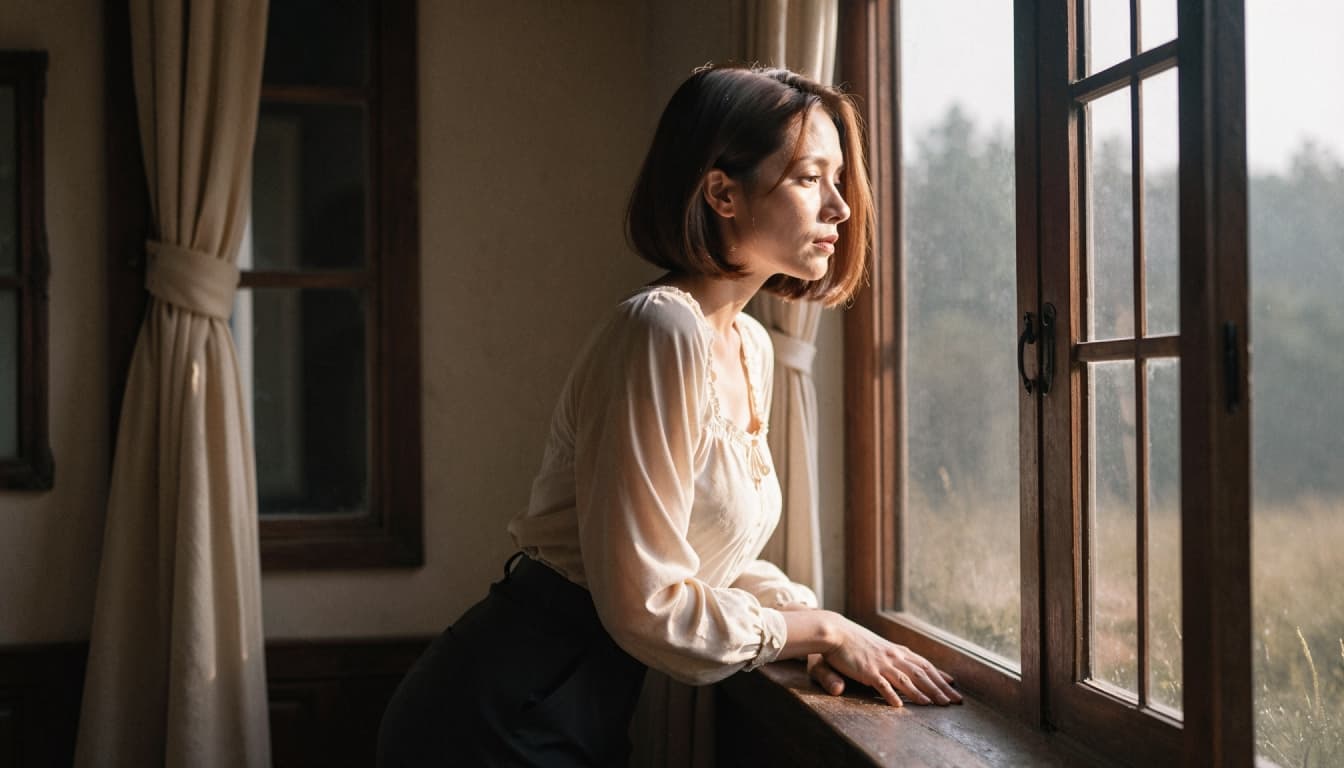
What Is AI Character Video Generation?
AI character video generation uses a model to create a short moving visual based on source material such as a character image. Instead of manually animating every frame, you give the system a starting visual and, where supported, guidance about the motion or mood you want.
That does not mean every result will behave like a professionally animated film. AI video can produce artifacts, unexpected motion or changes in small details. Treat each generation as a creative draft that may benefit from another attempt or a clearer starting image.
If you need a visual starting point first, explore AI image generation features. A strong still image makes the subsequent creative goal easier to describe.
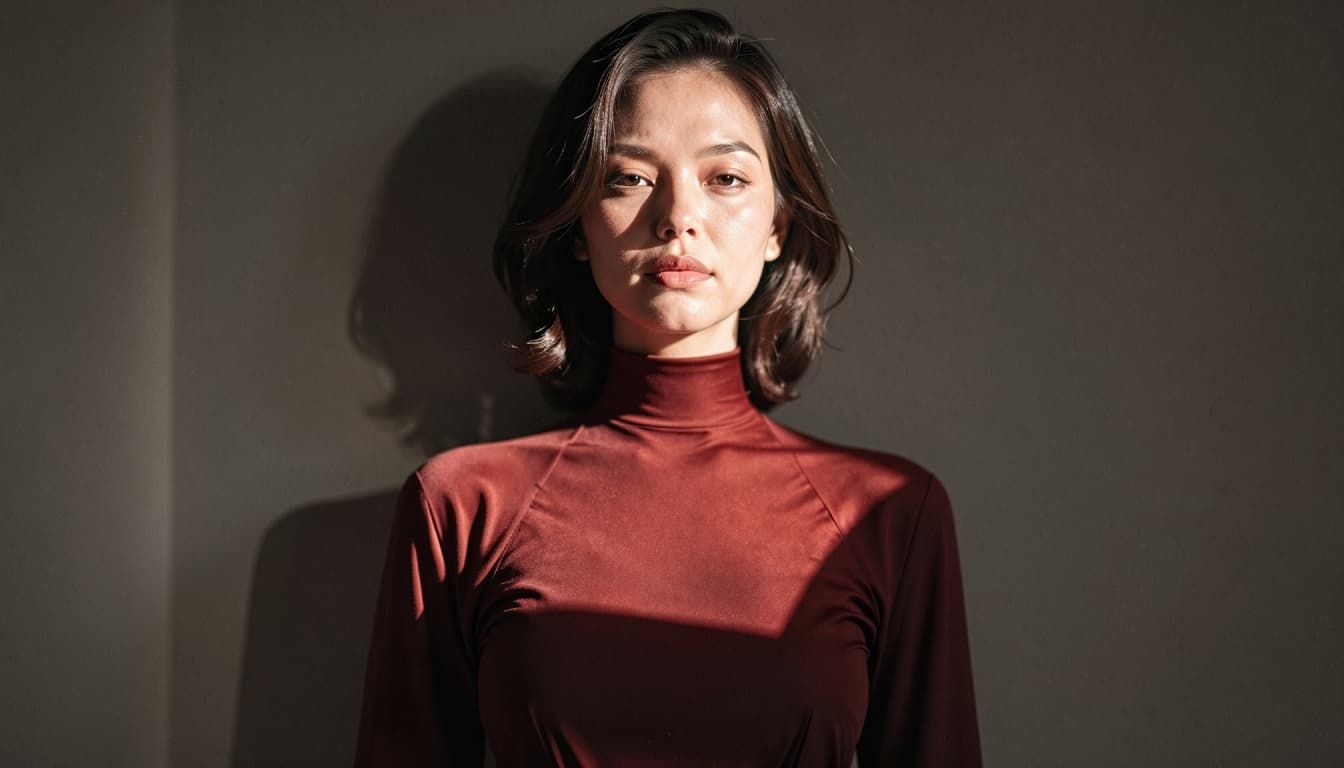
Start With an Image That Communicates the Scene
The best source frame usually makes the subject and composition easy to understand. A clear portrait, recognizable silhouette or uncluttered scene gives the motion model a stronger visual reference. Extremely busy backgrounds, crowded compositions and conflicting visual elements can create ambiguity.
Think about what should remain stable: the character's hairstyle, outfit, general facial design and environment. Then decide what should change. A subtle camera movement requires a different creative brief from a dramatic action shot. For a first test, aim for one small movement.
Examples of simple, non-graphic directions include:
- A fictional character turns toward the viewer in a softly lit room.
- Wind moves through a coat while the character stands on a balcony.
- A fantasy traveler looks up as stars appear over a distant city.
- An anime-inspired character smiles as the camera slowly moves closer.
These are creative examples, not a guarantee that each control or animation style is available in the current editor.
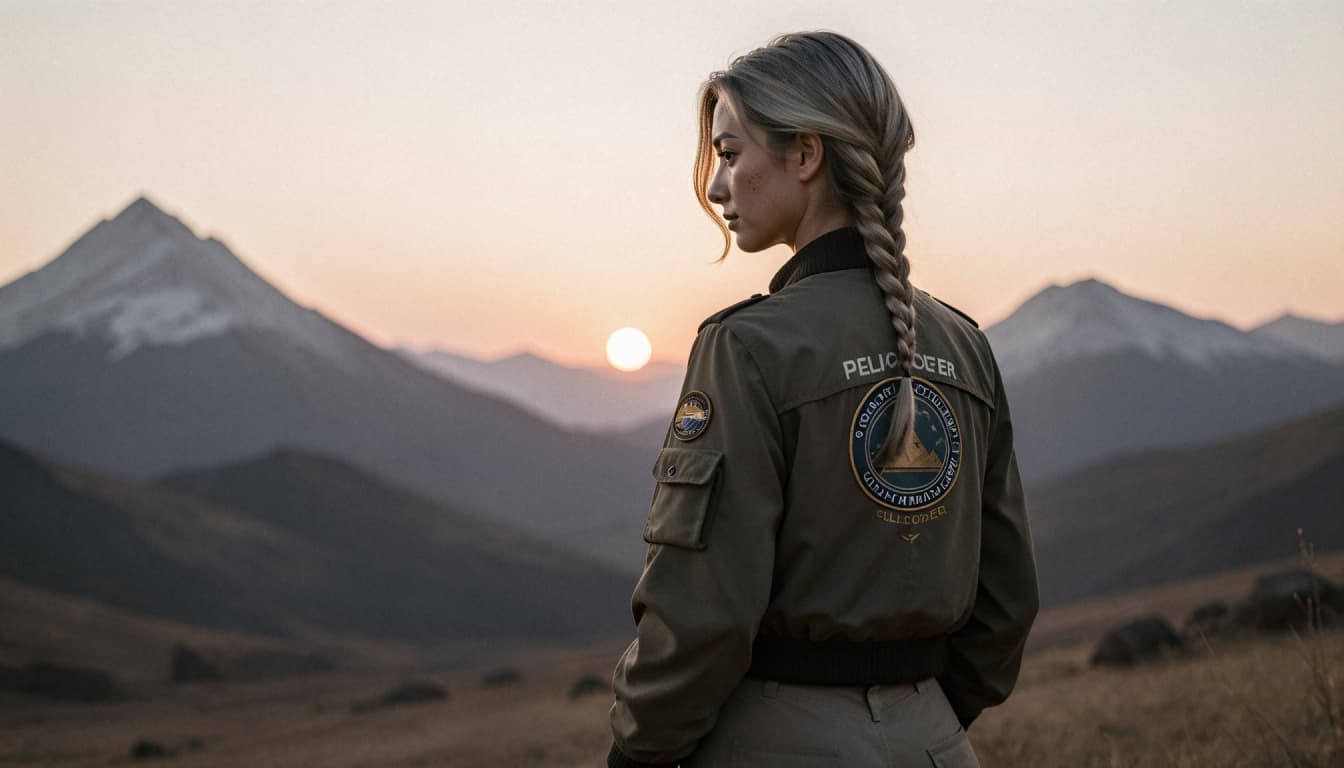
Choose One Motion Instead of Several Competing Actions
Trying to animate too many things at once can make a short clip feel unstable. Describe one primary action, one camera choice and one mood. For example:
"A calm portrait of an adult fictional explorer. The character slowly turns their head toward the horizon while the camera makes a gentle push-in. Warm evening light and natural movement."
A good motion concept explains the intended change without requiring a full screenplay. If the output is too busy, simplify the description. If the character changes appearance unexpectedly, return to the source image and reinforce the visual identity there.
For a longer walkthrough, see how to generate AI character videos.
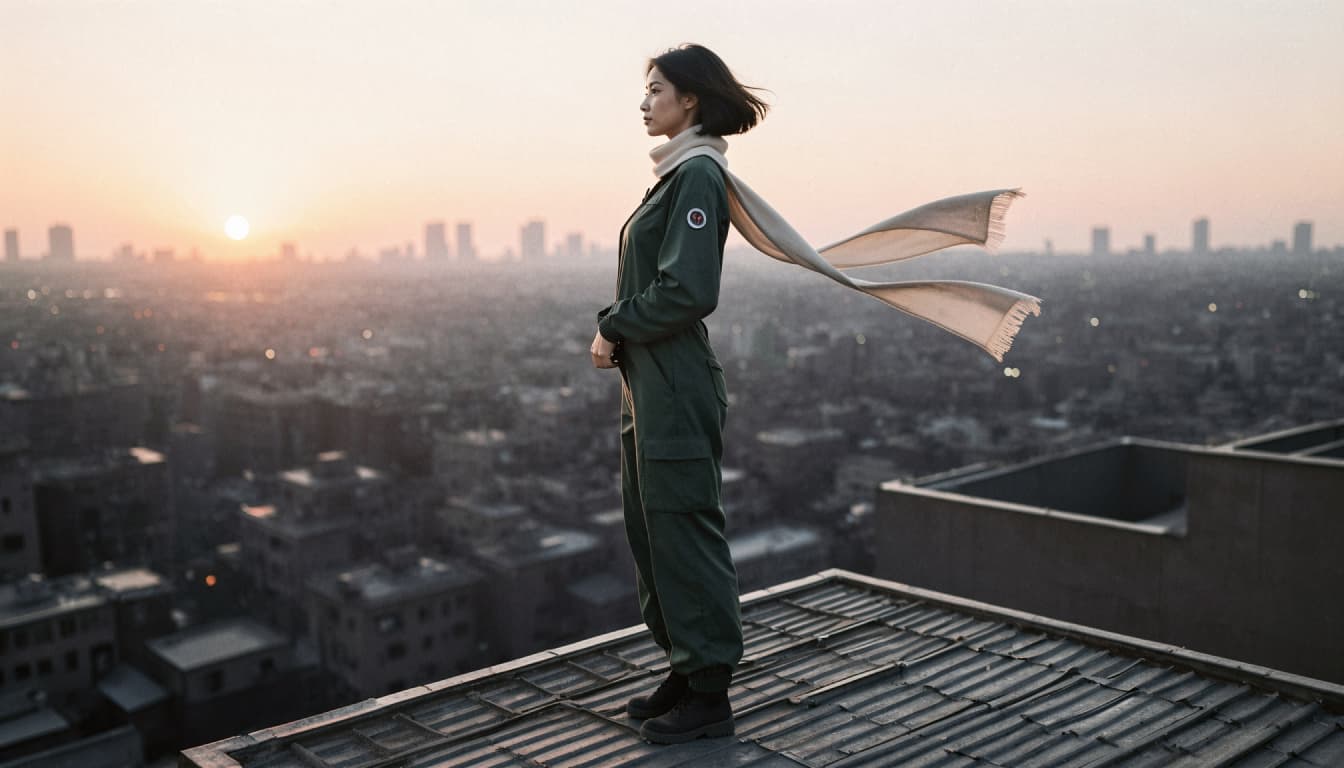
From Character to Image to Video
A practical workflow has three creative stages. First, define the character. Choose the overall look, clothing and setting. Second, create or select a still image that represents that idea. Third, use the video-generation option, when available to your account, to explore movement.
If you have not yet designed a character, the AI character creator provides the broader starting point. If your main task is illustration rather than motion, review how to generate AI character images before moving into video.
Keeping those stages separate makes revisions more manageable. You can change a visual detail in the image before spending another attempt on video generation.
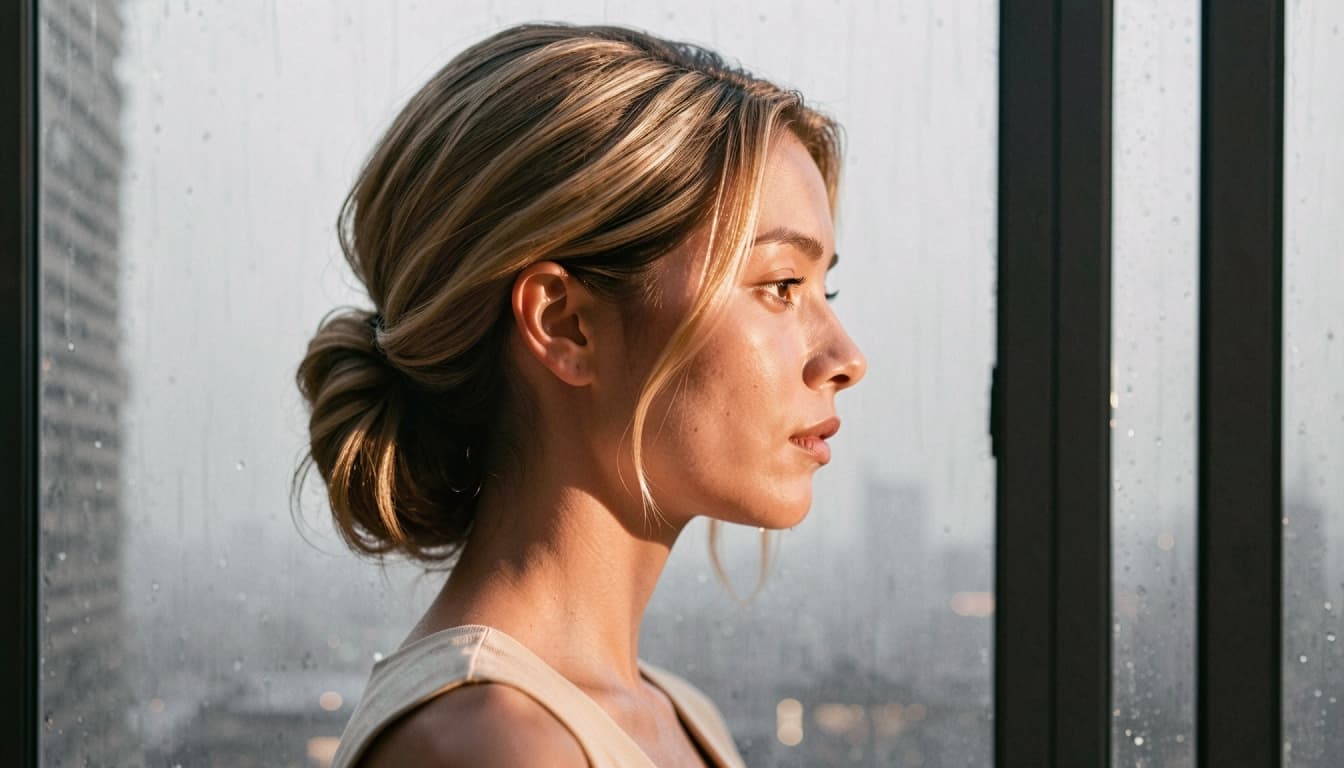
Realistic and Anime-Inspired Video Concepts
A realistic visual direction often benefits from restrained movement and coherent lighting. A fictional portrait might use a slight change in gaze, a small shift in posture or a gentle camera move. Keeping the action subtle helps the concept remain readable in a short format.
An anime-inspired style can emphasize expressive poses, colorful lighting and stylized scenes. If that is the direction you prefer, explore anime character creation to plan the visual design before animating it.
Neither style is inherently more successful. A clear source frame and a manageable movement are usually more useful than a long list of effects.
How to Explore Video Generation on Bonbon
1. Start with an original fictional adult character or an image you are authorized to use.
2. Choose a frame with a clear subject and visible visual details.
3. Open the video-generation option available in the Bonbon interface.
4. Review any currently offered settings, including access requirements or generation costs.
5. Generate a short clip, inspect the result and revise your visual direction if needed.
Feature availability, duration, resolution and generation costs can change by plan and product update. The live interface should be the source of truth before the page publishes specific numbers.
Make Every Short Clip Count
A clip does not need a dramatic event to be compelling. Motion is most effective when it emphasizes the character or mood already established in the image. Try a small, deliberate action first, then build on a promising result.
Bring Your AI Character Into Motion on Bonbon