

AI Character Customization: Make Every Detail Your Own
Create Your AI CharacterA character becomes memorable when the details feel intentional. A distinctive look, a recognizable way of speaking, and a clear personality can turn a generic AI profile into someone you actually want to write stories or have conversations with. AI character customization gives you a starting point for creating that identity rather than relying entirely on pre-made characters.
Bonbon brings character creation and AI chat into the same experience. Start with an idea, explore the available character settings, and develop a fictional persona around your preferences. You do not need professional design skills or a long character biography to begin. A handful of thoughtful choices can be enough to establish a consistent creative direction.

What Can You Customize in an AI Character?
Think of character customization as a combination of visual identity and conversational identity. The first determines how a character is presented. The second influences the kind of exchange you are trying to create. The most effective characters connect those parts instead of treating them as unrelated settings.
For example, an adventurous explorer might have a practical outfit, an optimistic attitude and a habit of asking questions. A quiet detective might favor understated styling and speak in short, carefully chosen sentences. Those are creative decisions, not promises that a generated character will respond perfectly every time.
If you are starting from scratch, visit the AI character creator to explore the character-building path. The choices available in the editor may vary by style, plan or product update.
Start With a Visual Direction
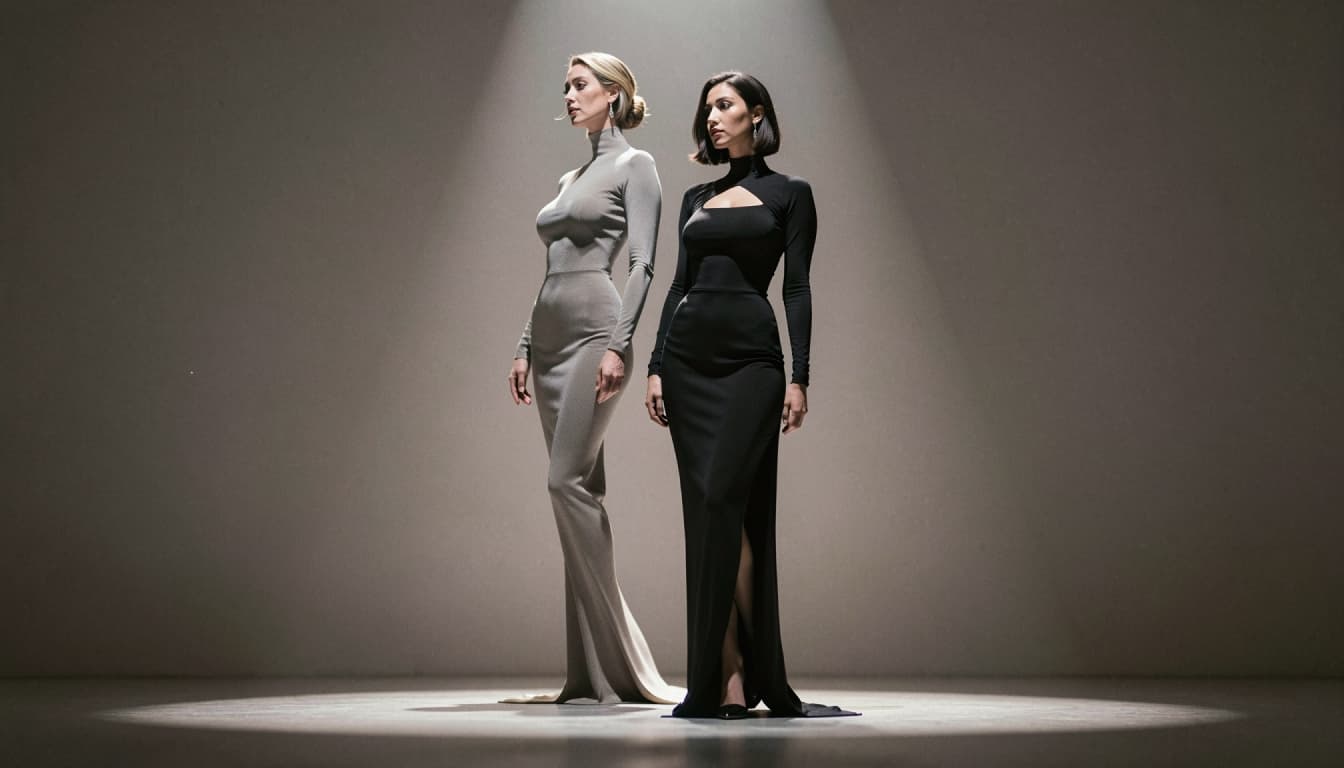
Before adjusting details, choose the overall look you want. Bonbon's character experience includes realistic and anime-inspired directions, which work well for different creative goals. Realistic styling can suit contemporary or cinematic characters, while anime styling makes room for more stylized expressions and visual design.
Then focus on the elements that will actually help identify your character: hairstyle, facial impression, clothing concept, distinctive colors and the general mood of a portrait. You do not need to fill in every possible attribute. A short, coherent concept is easier to develop than a pile of disconnected descriptors.
You can use character appearance prompts as inspiration for describing a look. Try keeping the first version simple, then add specific visual details when you know what you want to change.

Give Your Character a Purpose and a Personality
Appearance catches attention, but personality gives a conversation somewhere to go. Decide what motivates your character, how they respond to uncertainty and what sort of dialogue you would enjoy. A warm companion, a sarcastic rival and a curious fantasy guide should not all sound identical.
One useful formula is role + motivation + two personality traits + speaking style. Here is an example:
"An adult museum curator who loves forgotten history, remains calm under pressure, is gently humorous, and explains unusual discoveries in a vivid but concise way."
That description is specific enough to inspire dialogue without trying to script every future reply. To develop this side of your character further, explore AI character personality options.

Build a Character Profile Without Overcomplicating It
A well-organized profile helps you remember which ideas belong together. You might write a character's name, occupation, basic background, personal goal, signature trait and a first-message idea. Treat the profile as a creative brief: short enough to edit, detailed enough to use.
Try this sample structure:
- Name: Mara Vale.
- Role: A cartographer documenting places that do not appear on ordinary maps.
- Motivation: To find the person who left her a mysterious set of coordinates.
- Tone: Curious, steady, and lightly playful.
- Conversation opener: "Have you ever found a place that felt familiar before you had visited it?"
A profile like this gives a character a recognizable direction. It does not require a fully written novel or a rigid set of instructions. If you want a reusable framework, look through character profile templates.

How to Customize an AI Character on Bonbon
The exact labels on the interface may change, but the workflow is straightforward:
1. Open Bonbon's character-creation experience and choose a starting visual style.
2. Set the appearance details that matter most to the character concept.
3. Define the character's role, personality and preferred conversation tone using the controls available.
4. Review the character profile before saving or starting a chat.
5. Test a few messages and refine details if the character does not sound like you intended.
For more visual ideas, generate a character appearance with the dedicated tool when it becomes part of your Bonbon workflow.
Tips for More Consistent Character Design
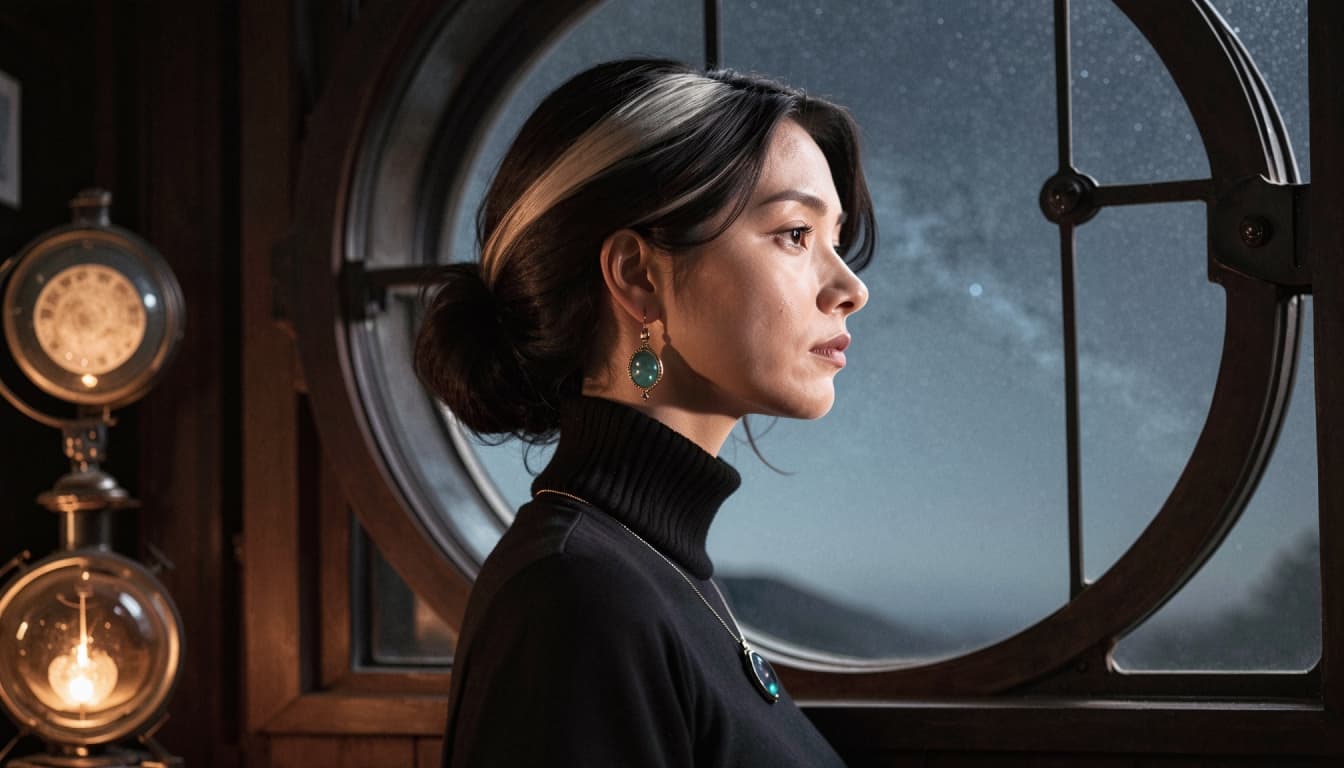
Start with a short list of non-negotiable traits. If a character must be reserved, curious and fond of astronomy, keep those traits clear and avoid adding contradictory instructions such as "always speaks dramatically" and "never uses long sentences" without explaining how they fit together.
For visuals, treat each revision as a small experiment. Adjust one meaningful element at a time rather than changing hair, wardrobe, lighting, style and expression all at once. This makes it easier to understand what improved the result. For conversation, test the character with different kinds of questions instead of judging them from a single opening line.
A generated character is still an AI creation. Responses and visual results can vary, and continuity is not guaranteed simply because a trait appears in a profile. You may need to clarify or repeat important details over time.
Create a Character You Want to Return To
The strongest character ideas are not necessarily the most elaborate. They are recognizable, flexible and enjoyable to interact with. Begin with a clear creative direction, then let the design evolve as you discover what works. Bonbon gives you a place to explore the character-creation process and move into character-based chat.
Start Customizing Your AI Character on Bonbon